

IPTV, finally at home on your Mac.
Bring the service you already have. Onvi Player makes it a fast, native app for live TV, movies and series.
Coming soon to the Mac App Store
Includes no channels, playlists or content. You bring your own service that you are entitled to use.
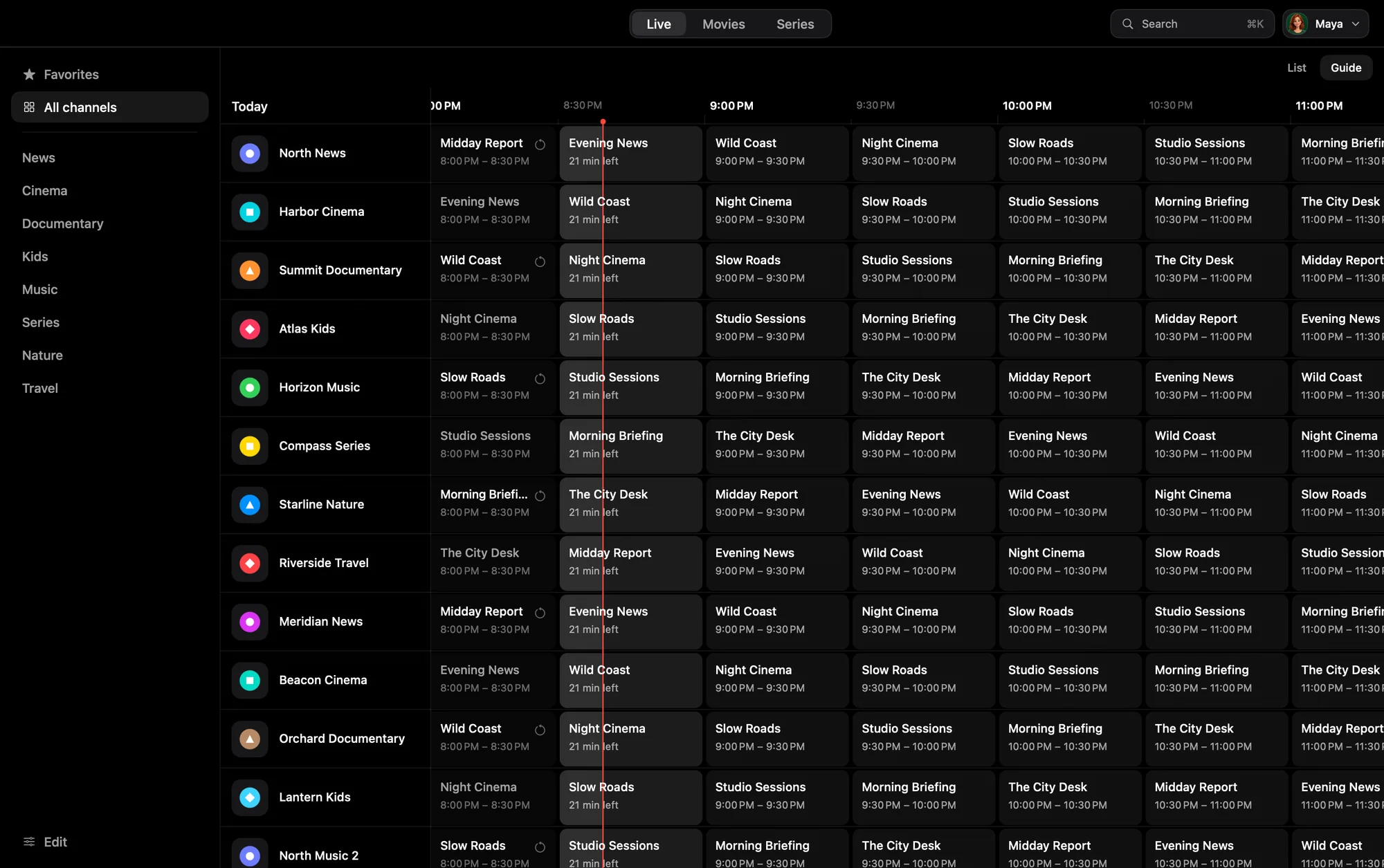
A guide worth opening.
The full program guide opens instantly and never interrupts what you’re watching. Go back to past programs when your provider keeps them, or set a reminder with the lead time you pick.
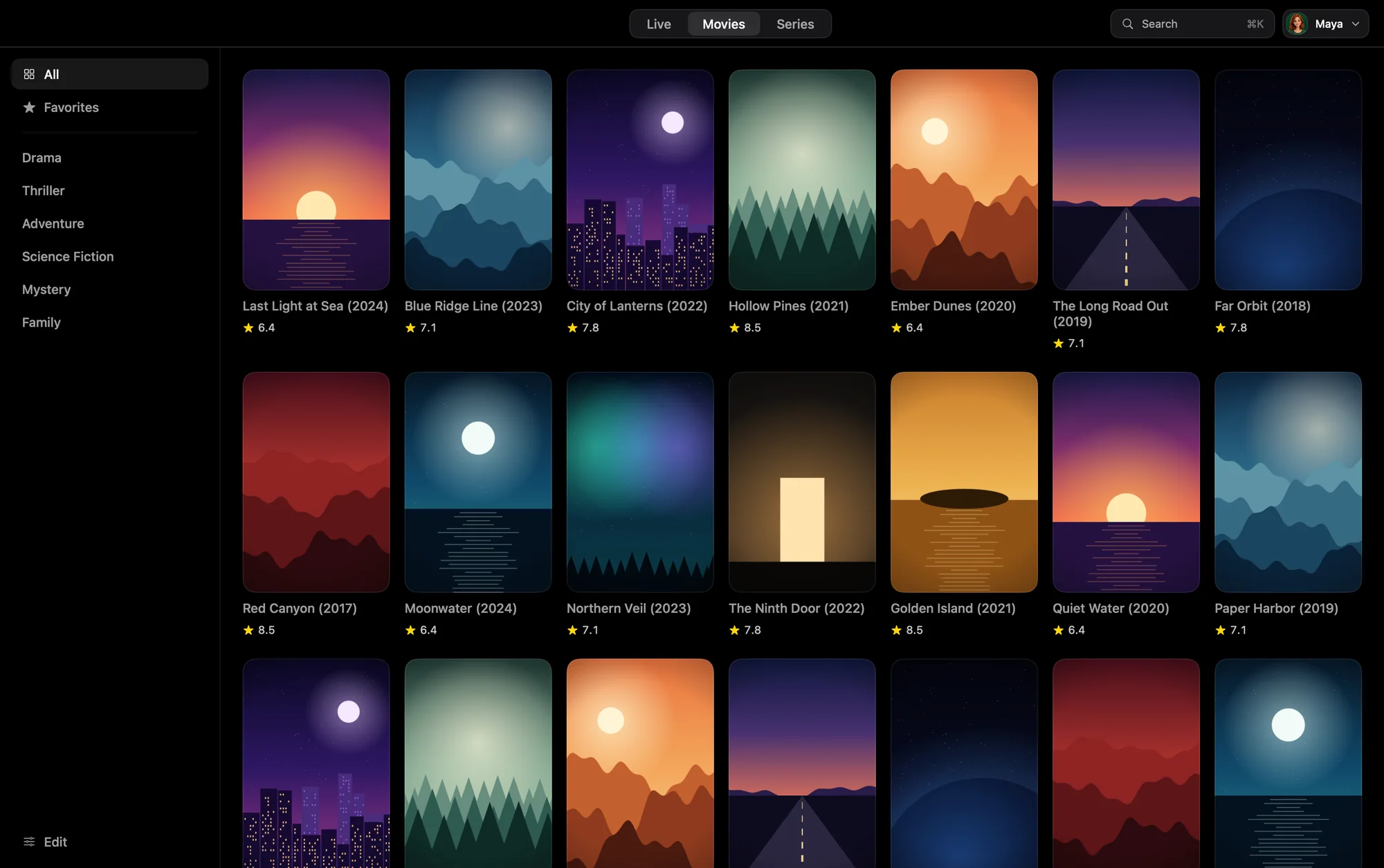
Your whole library, in one place.
Your provider’s movies and series, with search across everything. It picks up where you left off, and the next episode is ready when one ends.
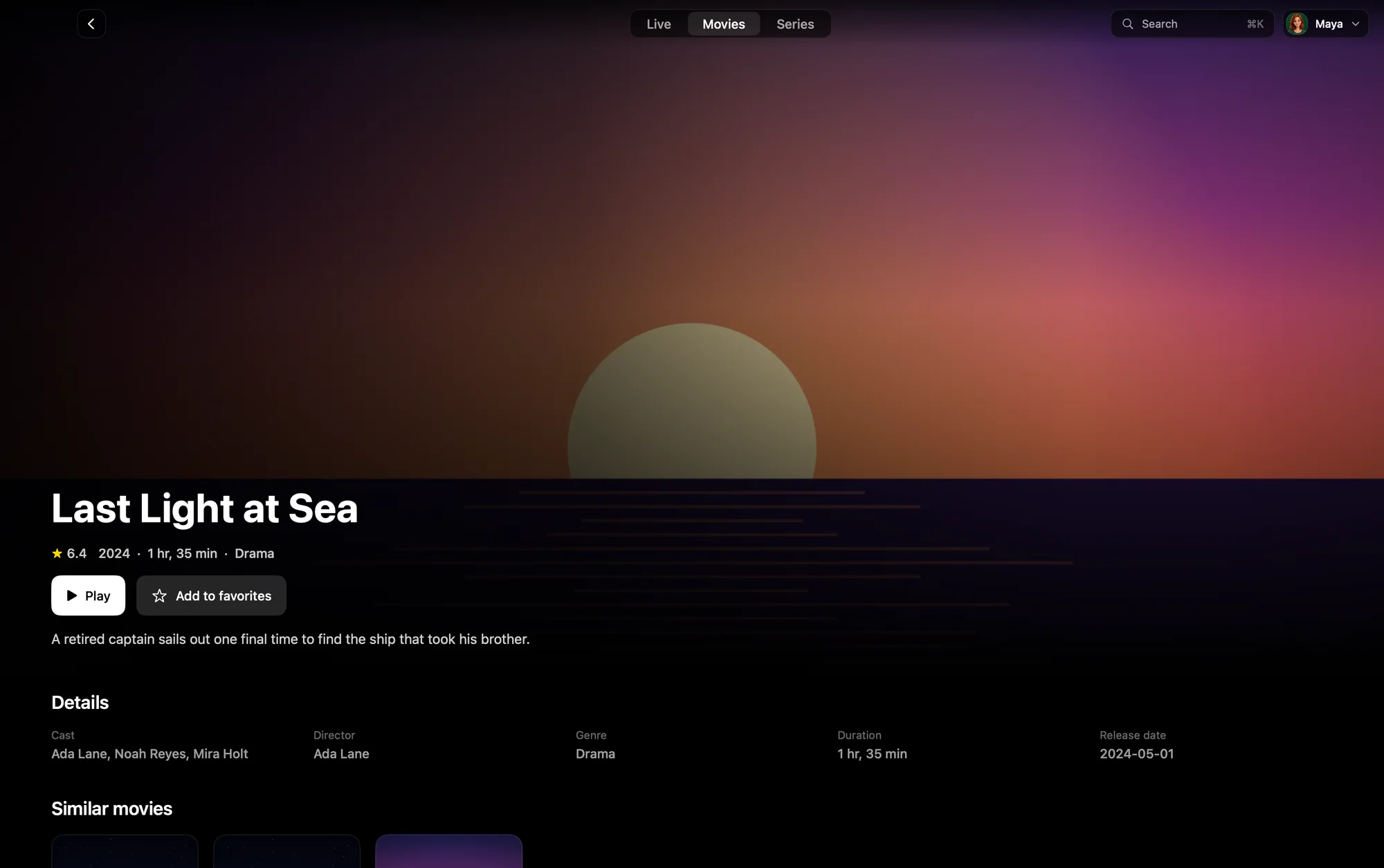
A proper page for every title.
Play it, or save it to your favorites. The plot, cast and details are there whenever your provider sends them.
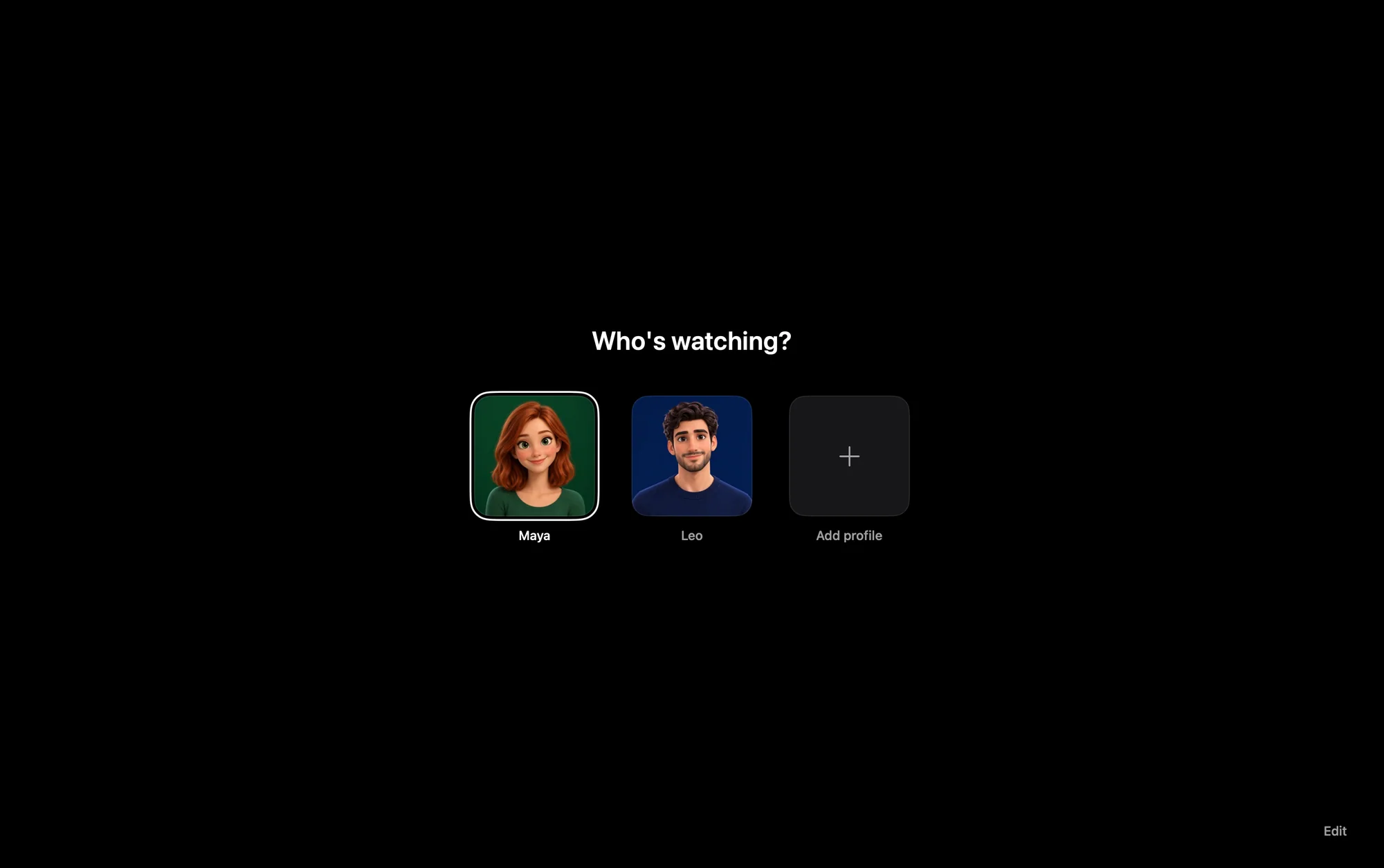
One Mac, everyone’s own.
Several profiles, each with its own sources and favorites. Lock any of them with a password or Touch ID.
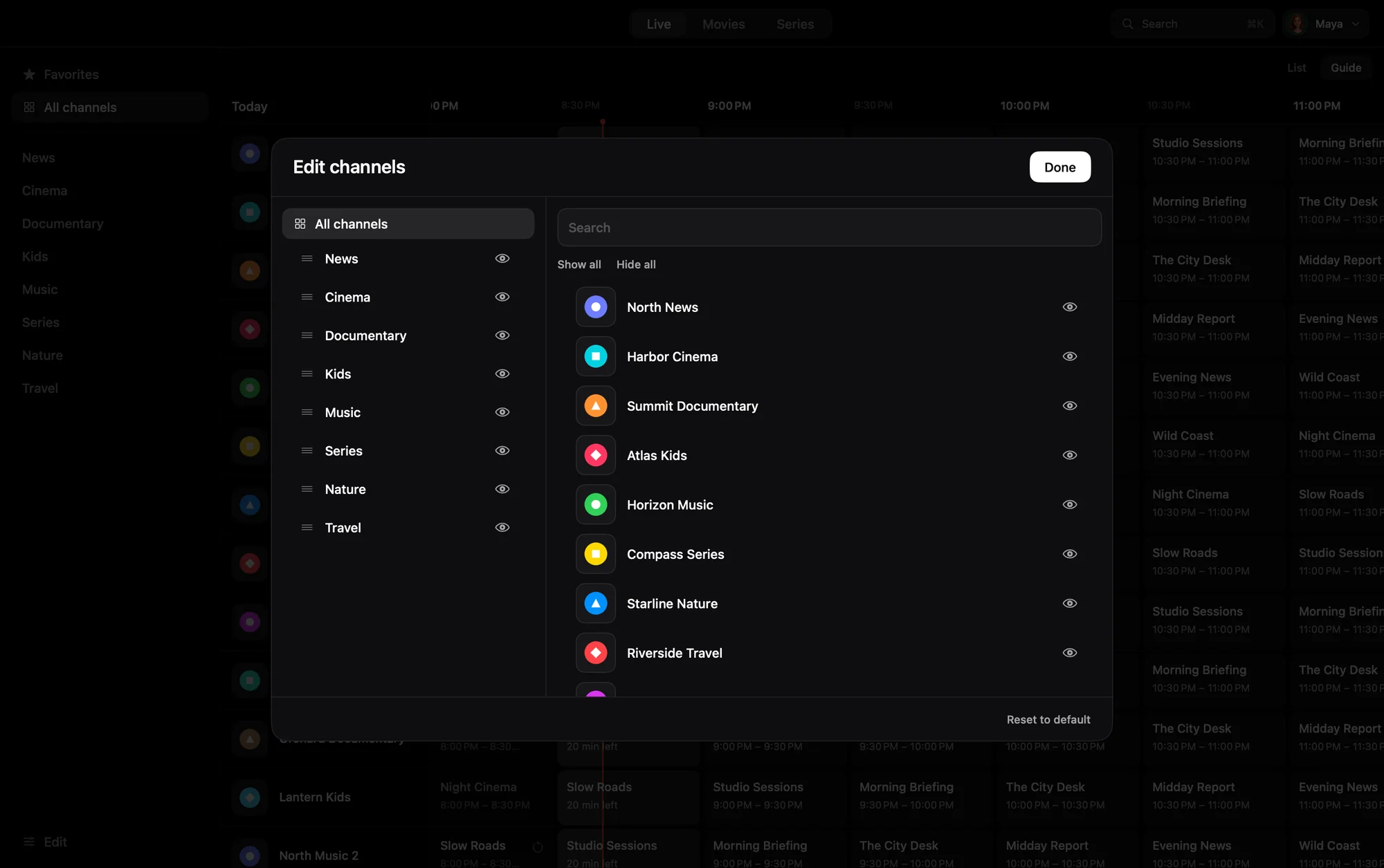
Your list, in your order.
Hide, rename and reorder channels and categories, until the list is only what you watch.
It tells you what’s wrong.
When a stream won’t play, the connection check tells you whether the problem is your provider, your account or your connection.
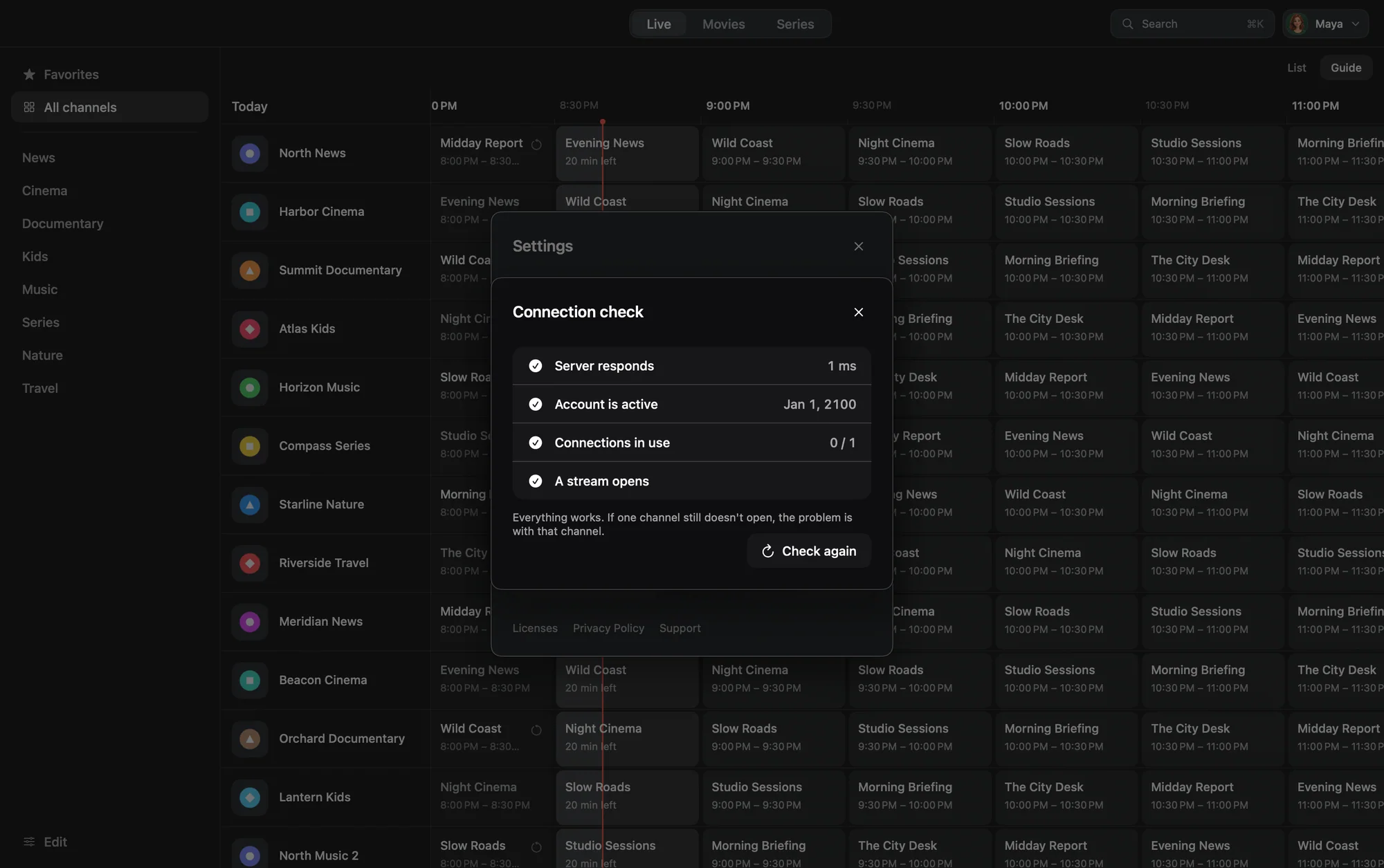
These are real screens from the app, shown with invented channels and titles.
And it behaves like a Mac app.
- Pause live TV, and return to live with one click
- Real full screen, and a mini player that stays on top
- Your choice of audio track and subtitles, with your own subtitle style and sync
- Keyboard control throughout, with every shortcut one key away
- Child profiles that show only the categories a parent chooses
- Hardware decoding that goes easy on your battery
No ads.No account with us.We can’t see what you watch.
You bring your own service.
Onvi Player does not include any channels, playlists or content, and we don’t sell or recommend providers. You need your own service, and you are responsible for having the right to watch what you add.
Free to look around.
Browsing your channels and guide is free. Watching needs a plan: yearly with a free trial, or a one-time lifetime purchase.
Payment is charged to your Apple Account. A subscription renews automatically unless you cancel at least 24 hours before the end of the period, in your App Store account settings.

Onvi Player
Coming soon to the Mac App Store